![Logo.svg]](https://info.luca-app.de/hubfs/Logo.svg)
We’ll help you to change your terminal settings in your luca locations account.
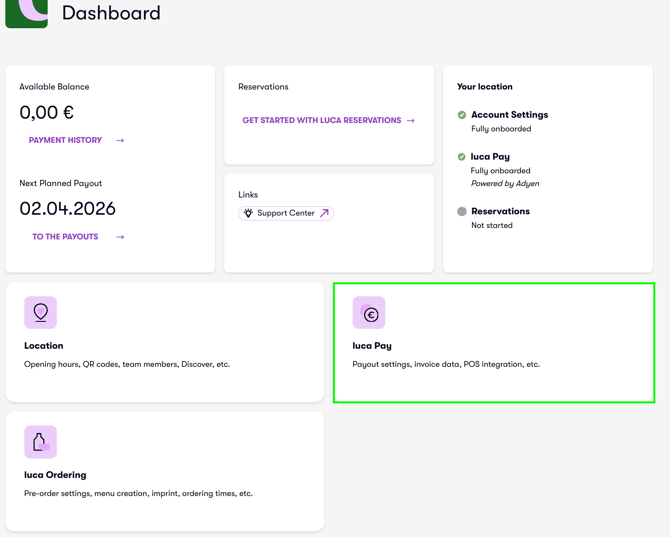
Please log in to https://app.luca-app.de/login. On the main page, select the location for which you would like to make the changes.
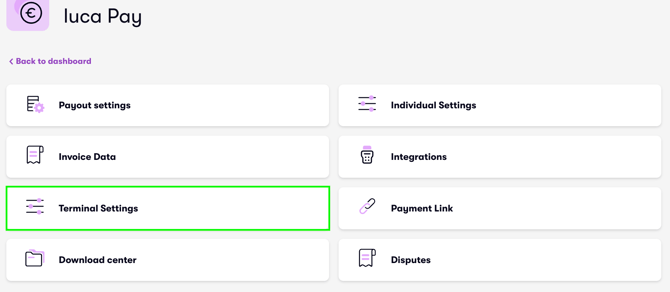
Then click on "luca Pay". In the next step, you can select the "Terminal Settings" option. There, you can adjust various settings for tips, refunds, and receipt printing.
Please note that you need to perform an update on all terminals after each change.