![Logo.svg]](https://info.luca-app.de/hubfs/Logo.svg)
You can change the opening hours at any time in your luca locations account.
To do this, please log into your luca locations account at https://app.luca-app.de/login and select the location you would like to edit.
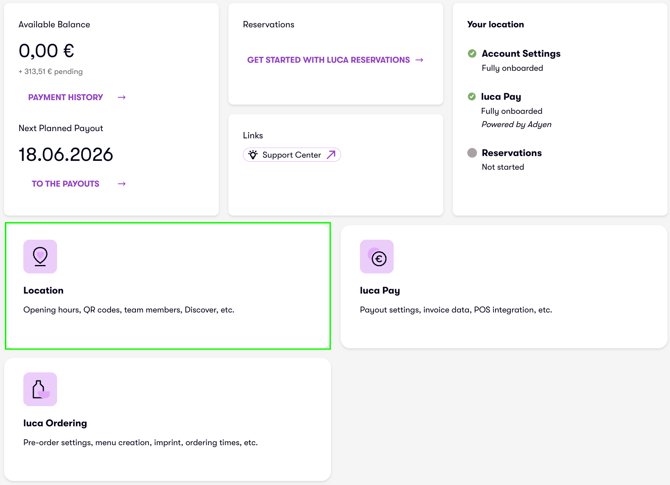
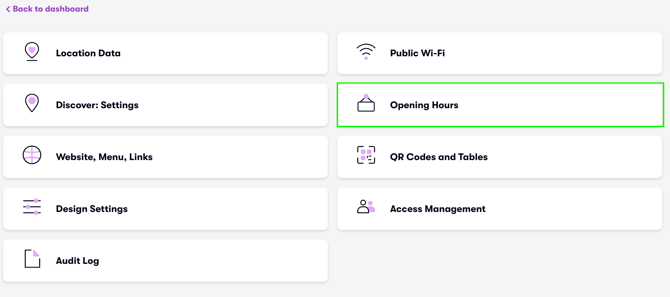
Now click on the "Location" tab and on the "Opening hours" tab (images 1 and 2).
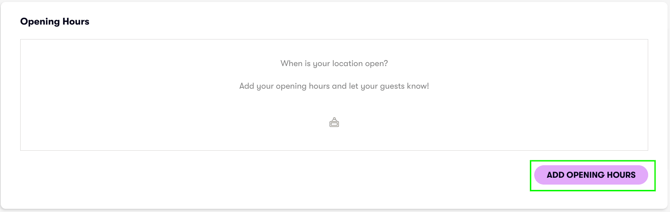
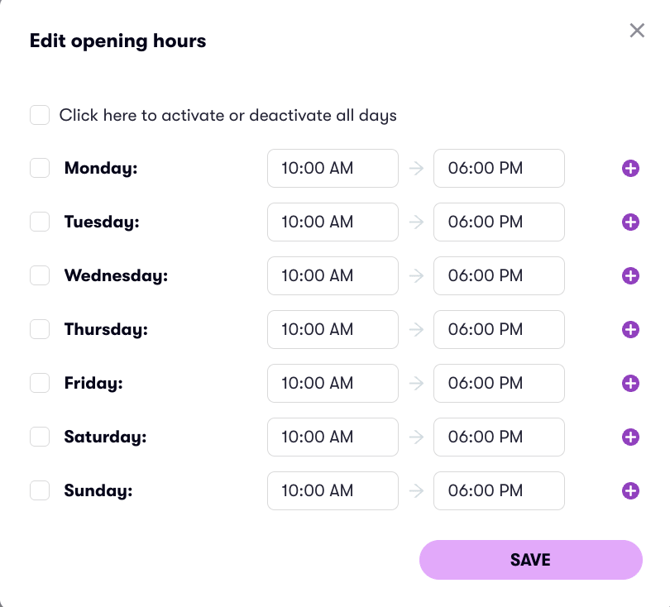
Click on "Add opening hours" to change the opening hours (images 3 and 4).