![Logo.svg]](https://info.luca-app.de/hubfs/Logo.svg)
Log in to your luca Locations account at https://app.luca-app.de/login. Then select the location for which you want to check the bank account details.
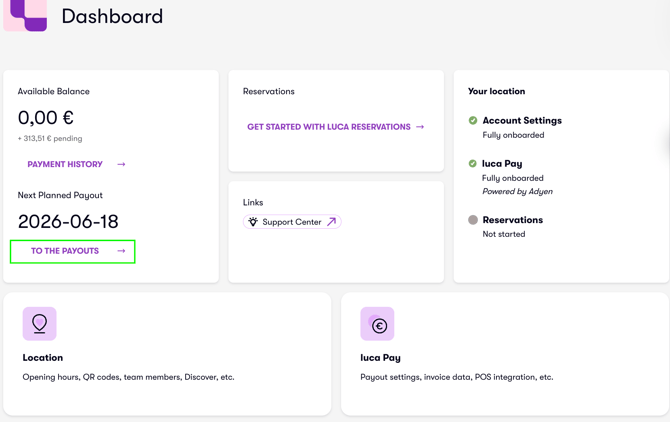
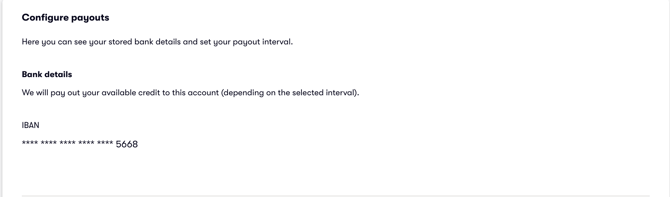
Click on "To the Payouts" (image 1). Below the "Payout history," you will find the bank account currently registered for payouts (image 2).